
Lawft brings everything together. One system, layered from your data up.
Lawft combines modern technology, AI and automated workflows to give you deeper insight into your client files and bring you closer to your clients.
Lawft is law practice management software built by practicing trial lawyers. Cases, client texts and email, time, billing, trust accounting and AI medical chronologies run in one system, so your firm grows without adding tools or staff to hold them together.
Every step of the client journey, built to bring in the next client.
AI that understands your entire case file and keeps it confidential.
Every email, text, fax and file in one place.
Built for how lawyers bill, from trust accounting to every common billing model.
Built by lawyers, for lawyers.
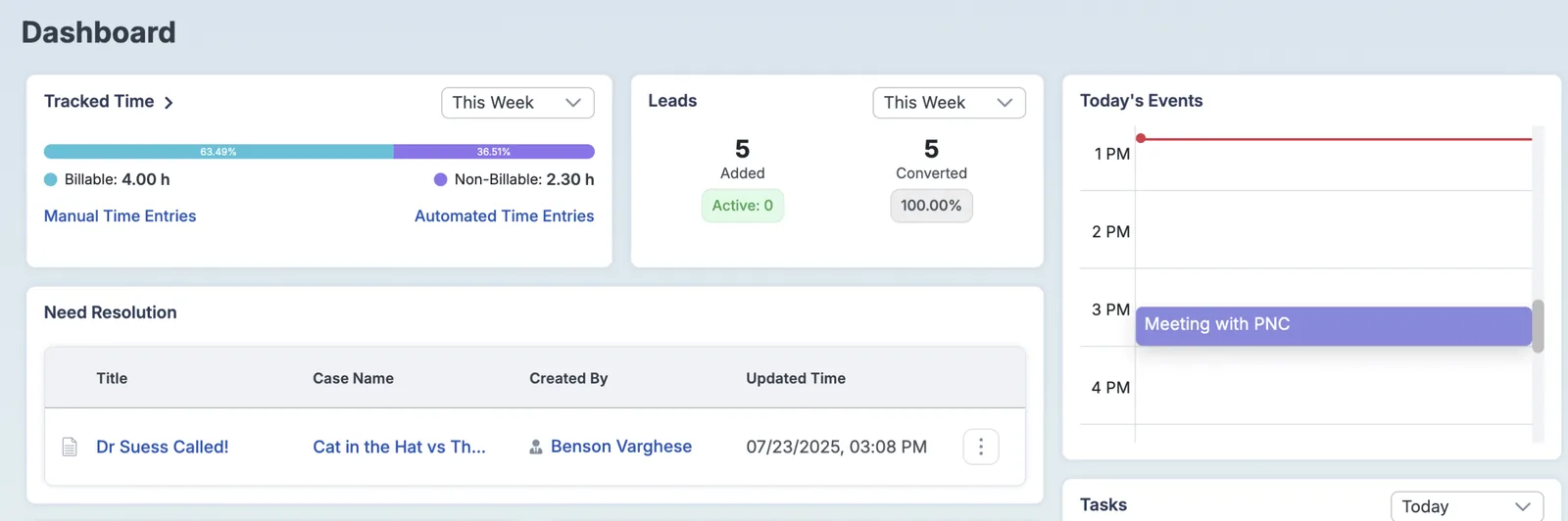
Custom fields by practice area, your own case stages, and a dashboard that leads with what matters to your day.
Decide how and when clients hear from you: text, email, secure message or portal, on the schedule you set.
Track cases in the terms your team already uses, so nobody has to learn the software’s vocabulary.
TodayTime is rebuilt from memory at the end of the week. Short calls, quick emails and file reviews disappear.
With LawftLawft creates 0.1-hour entries as you work: opening a document, sending an email, answering a text. Entries land on the right matter for review.
How automatic time worksTodayFrustration builds in texts and emails nobody reads closely until the client complains or leaves.
With LawftLawft reads the tone of every inbound client message and rolls it up to the case, so the matters that need a call today surface on their own.
How sentiment detection worksTodayTexts live on personal phones, email in five inboxes, faxes on paper. None of it reaches the file on its own.
With LawftText, email, secure messages and fax arrive in one inbox and log to the case. Lawft matches inbound email to the right case for you.
See the unified inboxTodayStaff send the same reminder and the same status update by hand, and some clients get them while others do not.
With LawftPick a trigger, chain the actions and delays, and every client gets the same standard of service without anyone remembering to send it.
How automations workTodayRecords are exported, sent to a vendor, and returned days later. When new records arrive, the process starts again.
With LawftLawft builds the chronology inside the case from the records already in the file, and adds to it when new records arrive.
See medical chronologyTodaySomeone pulls an aging report, writes the reminder emails, and takes card numbers over the phone.
With LawftClients pay from the portal, including by ACH. Past-due reminders go out on schedule at 1, 15, 30, 60 and 90 days, and payments sync to QuickBooks Online.
See legal billingProduct views show sample data for illustration.
Lawft combines modern technology, AI and automated workflows to give you deeper insight into your client files and bring you closer to your clients.

Data
Lawft secures data using AES-256 encryption at rest and TLS encryption in transit.
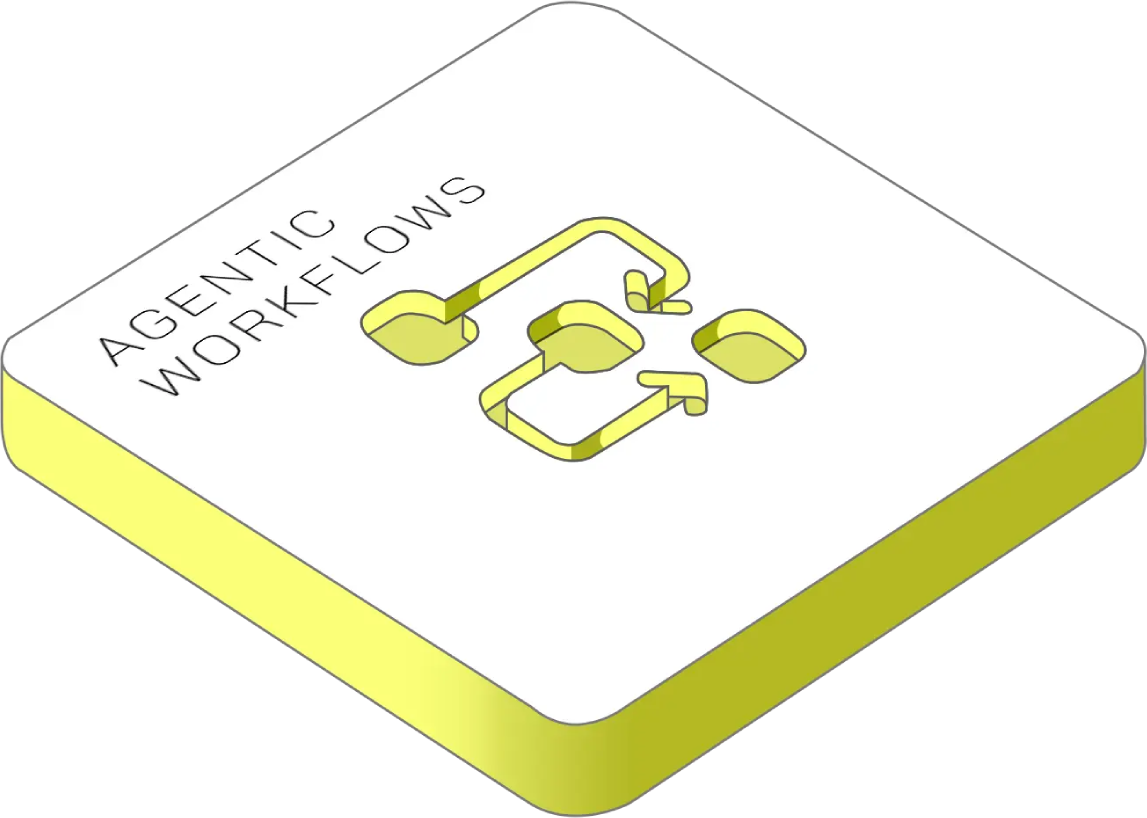
Agentic workflows
Agents summarize, find discrepancies, create medchrons, and more.
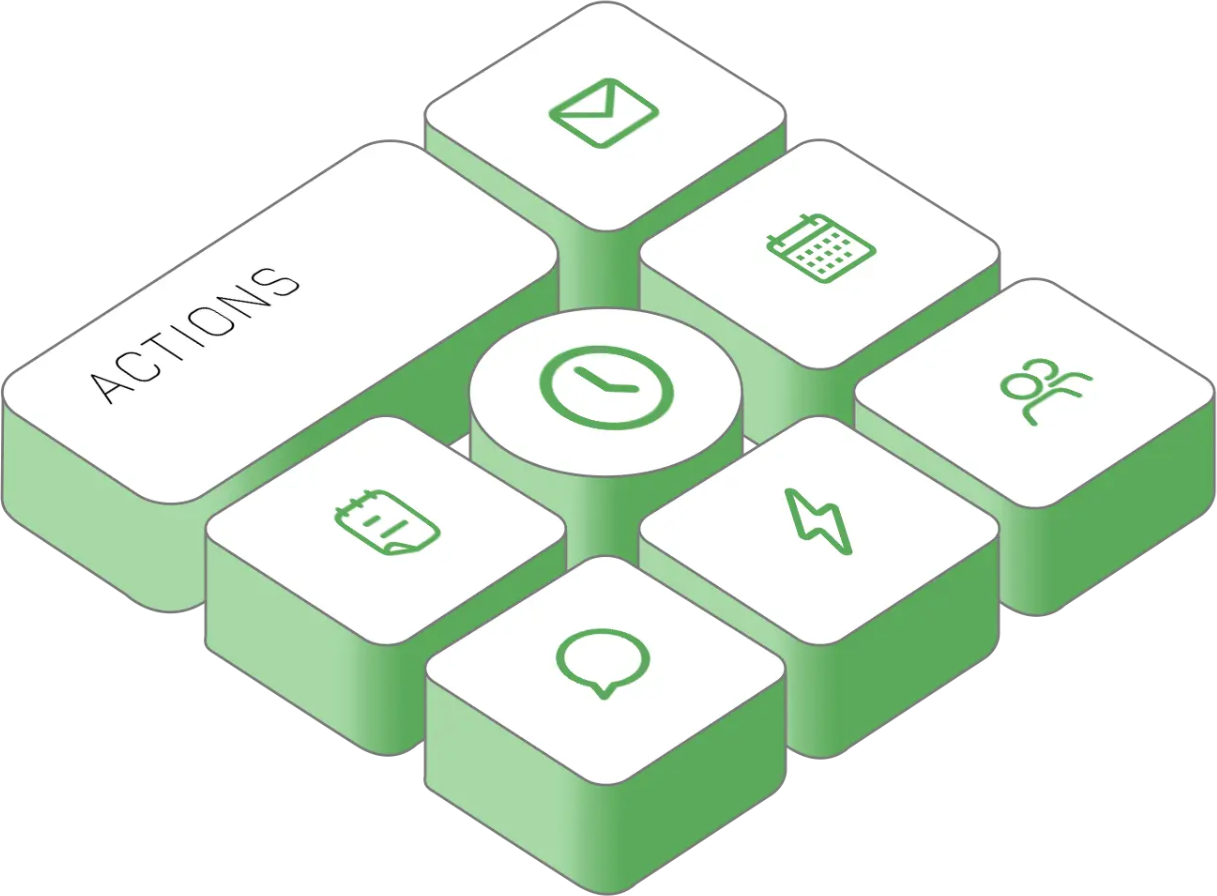
Actions
Email, fax, text; track shared files, and much more.
Automations
Select any number of triggers to automate custom workflows.
Lawft combines modern technology, AI and automated workflows to give you deeper insight into your client files and bring you closer to your clients.
Lawft secures data using AES-256 encryption at rest and TLS encryption in transit.
Agents summarize, find discrepancies, create medchrons, and more.
Email, fax, text; track shared files, and much more.
Select any number of triggers to automate custom workflows.
Pick your fee model and describe your firm. The estimate updates as you move each slider.
Assumes Lawft returns 40% of admin hours and 60% of 20 drafting hours per attorney per month, recovers 80% of time lost to delayed timekeeping, and an average matter takes 12 hours. These are planning estimates, not guarantees.
Assumes 40% of admin and review hours and 60% of drafting hours saved per case, a 12-hour average case, and a 10% throughput increase. These are planning estimates, not guarantees.
Assumes 10 hours saved per case and that outside vendor costs per case are replaced by work done inside Lawft. These are planning estimates, not guarantees.
Estimated additional revenue
$0/month
$0 a year
Straight answers from the lawyers who built Lawft.
See Lawft run a real case from intake to settlement, or send us your question.
Last updated
Lawft is law practice management software built by practicing trial lawyers. It puts case management, client texting, email, secure messaging and fax, automatic time entries, billing, trust accounting, a client portal, e-signatures and AI medical chronologies in one system, so a firm stops paying for and switching between separate tools.
Lawft is built for solo, small and mid-sized firms. It fits best in personal injury, family law and criminal defense, the practice areas its founders run every day. PI firms get AI medical chronologies and a settlement workbook; family and criminal firms get flat-fee, hourly and payment-plan billing with a client portal.
Lawft creates 0.1-hour time entries when you work in the system: opening a document, reading or sending an email, or exchanging a text on a case. Entries land on the right matter for review, so time that used to be reconstructed at the end of the week is captured as it happens.
Yes. Lawft reads the medical records already in the case file and builds a medical chronology inside the case, with each entry tied to its source page. When new records arrive, the chronology updates in the same place, so the firm does not export records to a separate vendor and wait for a summary.
Yes. Lawft tracks trust balances by client and matter, posts settlement transactions from the settlement workbook, and accepts online payments, including ACH, through the client portal. Accounting data syncs to QuickBooks Online.
Lawft is onboarding firms from a waitlist. Join the waitlist to reserve a spot, or watch the demo first to see cases, communication, billing and AI tools working together. Firms on the waitlist are contacted as onboarding slots open.
Tell us about your firm and we will reach out as a spot opens.